|
|
Compose New Activity |
Compose New Activity
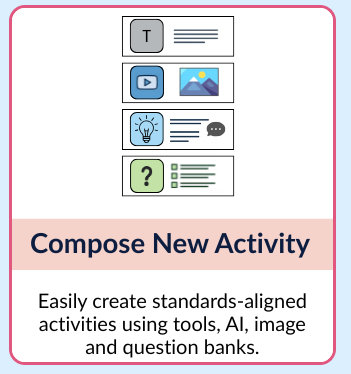
When you want to start from scratch, Compose New Activity opens a blank activity in the Flex Editor, ready for you to add items: text, images, audio, video, and auto-scored questions. You can also generate content with AI or pull questions from an item bank. (Prefer the Slide Editor? See below.)
Start a Blank Flex Activity
From your Activities page, click + New File, then choose Compose New Activity. Classwork opens a new, empty activity in the Flex Editor.
To learn your way around, see the Flex Editor Overview. To start building, see Adding Items (Flex Editor).
Start a Blank Slide Activity Instead
If you would rather build in the Slide Editor (where you draw answer boxes on a page), there are two ways to start a blank Slide activity:
- In a new Flex activity, click Switch to slide in the banner at the top of the editor.

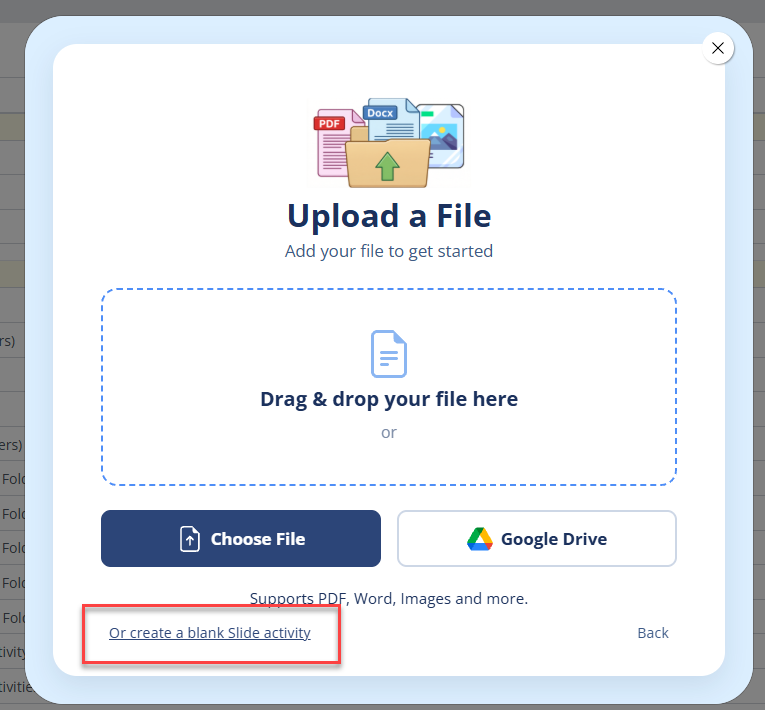
- From + New File, choose Import Document, then click Or create a blank Slide activity at the bottom of the upload window.
Related Articles
Was this article helpful?
That’s Great!
Thank you for your feedback
Sorry! We couldn't be helpful
Thank you for your feedback
Feedback sent
We appreciate your effort and will try to fix the article