|
|
How to Sort Folders and Activities on the Activities Page |
Sort Folders and Activities on the Activities Page
Click the Name or Updated column header on your Activities page to sort the list. Click the same header again to flip the order. Folders always stay above Activities.
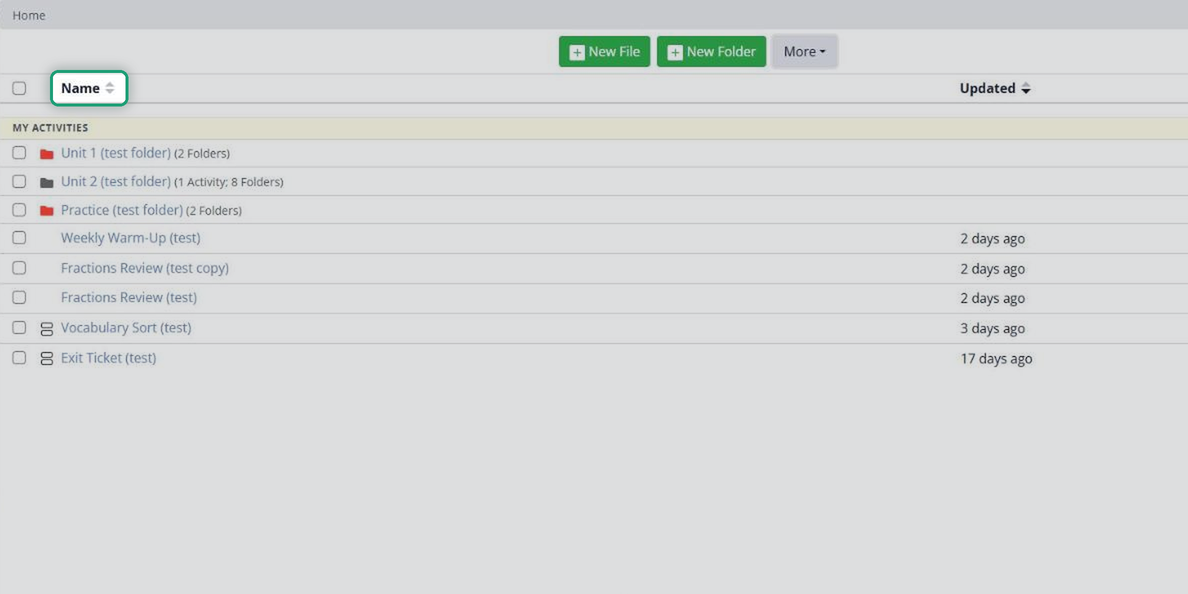
Sort by Name
Click Name. Folders sort A–Z (or Z–A), then your Activities sort A–Z (or Z–A) below them.
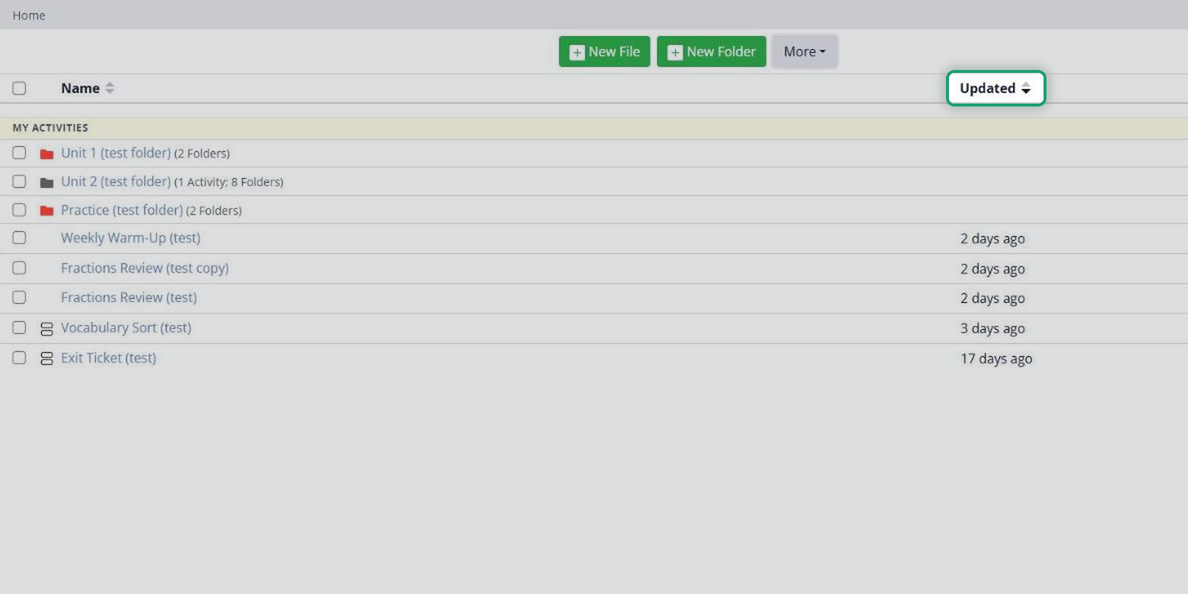
Sort by Updated
Click Updated. Activities sort by when they were last changed, newest or oldest first. Folders stay in alphabetical order above them.
Sort inside a folder
Open a folder and click Name or Updated there. It sorts only what’s inside that folder; your main Activities page keeps its own order.
Can I put a folder at the top?
Not directly: folders can’t be dragged into place or pinned. They always appear in alphabetical order. To move a folder up the list, rename it so it comes earlier in the alphabet, for example by starting the name with a number (“1 Current Unit”).
Was this article helpful?
That’s Great!
Thank you for your feedback
Sorry! We couldn't be helpful
Thank you for your feedback
Feedback sent
We appreciate your effort and will try to fix the article